
VMware Virtualization Servers


the Maghreb.

full warranty
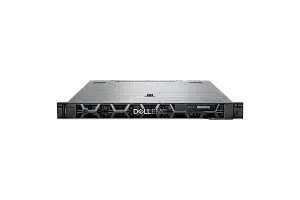
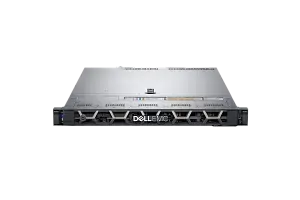
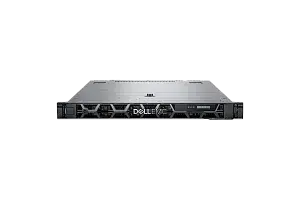
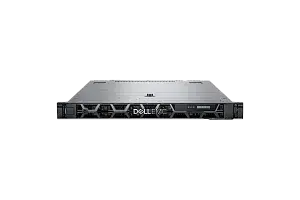
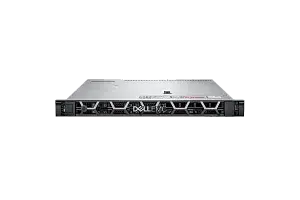
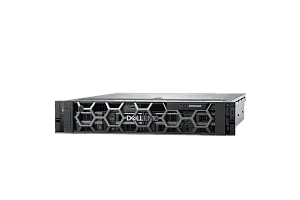
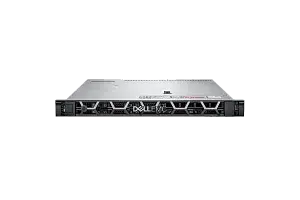

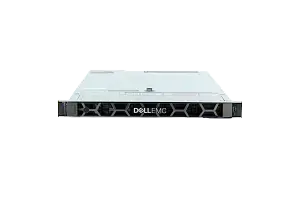
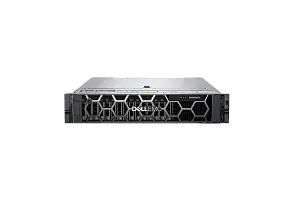

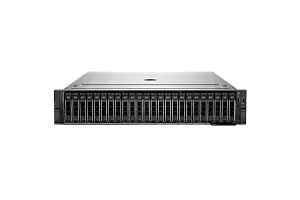
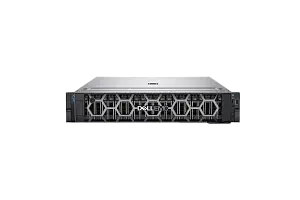
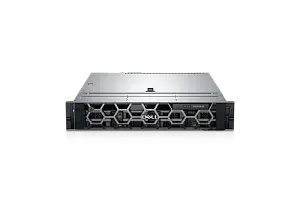
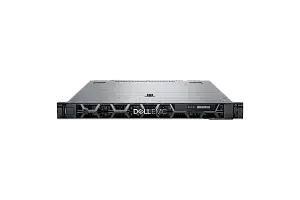
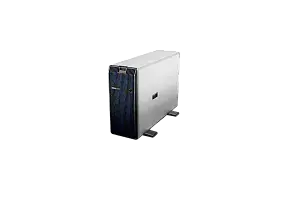
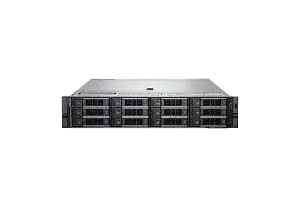
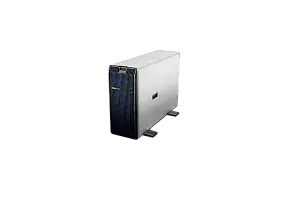
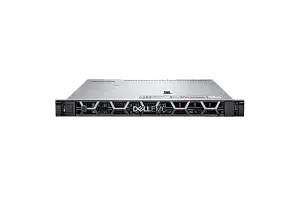
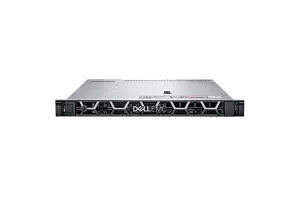
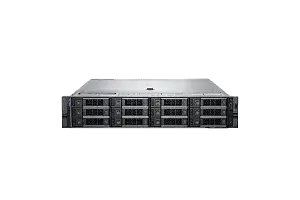
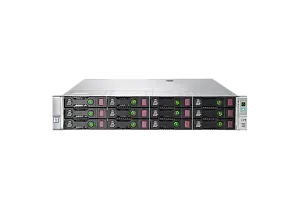
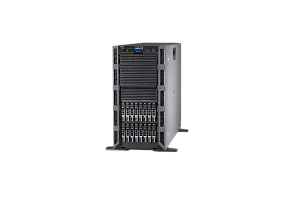
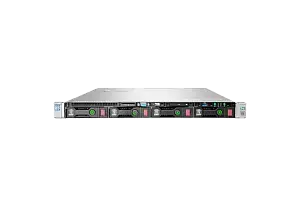
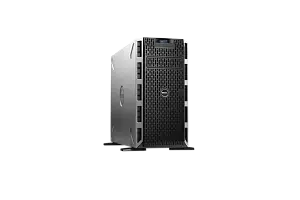
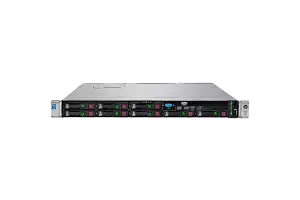
Any server or storage you can configure according to your demands in our configurator or by consulting with an expert. Our expertise helps us set new quality standards
to buy a servers at IDC
Ask to consultant
Repair and/or replacement of components.
More about warranty
part
warranty
part
warranty
Testing
We’re committed to full reliability: every unit, new or refurbished, receives thorough diagnostics, testing, and parts replacement
maximum load
Systems are stress-tested with varied software stacks to prove stability—so you can rely on them for years to come
Power supply
We push components to the limit for several days, and if something’s uncertain, we change it
of all equipment
New or used, every device is tested to the same standard. In addition, we include our own warranty with the manufacturer’s
VMWare Virtualization Advantages
VMware is a leading virtualization technology that allows you to run multiple virtual machines on a single physical server. Here are some of its advantages:
- Resource optimization: VMware allows you to efficiently utilize hardware resources by enabling you to run multiple virtual machines on a single physical server. This helps to reduce hardware costs and improve resource utilization.
- Flexibility: VMware supports a wide range of operating systems and applications, making it a versatile platform that can be used for a variety of workloads.
- High availability: VMware provides features such as vMotion, which allows you to move virtual machines between physical servers without downtime, and vSphere High Availability, which provides automatic failover in the event of server failure.
- Scalability: VMware can scale up to support large-scale virtual environments with hundreds or thousands of virtual machines.
- Disaster recovery: VMware provides features such as Site Recovery Manager, which enables you to replicate virtual machines to a remote site for disaster recovery purposes.
- Security: VMware provides advanced security features such as secure boot, vSphere encryption, and vShield Endpoint, which helps to improve the security of virtual environments.
Overall, VMware provides a robust and flexible virtualization platform that can help you to improve resource utilization, reduce costs, and enhance the availability and security of your IT infrastructure.
VMware Server Requirements
When choosing a VMware server, there are several factors to consider:
- Processor: VMware works best with modern processors that have multiple cores and high clock speeds. Intel Xeon or AMD Opteron processors are recommended for optimal performance.
- Memory: Depending on the number of planned virtual machines, VMware requires a significant amount of memory to run virtual machines effectively. You should choose a server with at least 16GB of RAM, but preferably 32GB or more.
- Storage: VMware requires fast and reliable storage for virtual machines with a RAID or SDS system with multiple drives for better performance and redundancy.
- Networking: For serious infrastructures, it is recommended to use 10G or more network interface cards (NICs), preferably several for fault tolerance. For a hyperconverged cluster, 10G is a necessity.
- Power and cooling: Choose a server with a power supply and cooling system that can handle the workload of running virtual machines.
- Compatibility: Ensure that the server hardware is certified to work with the version of VMware you plan to use. Hardware HCL checks are mandatory, all the way down to the firmware of hard disks and SSDs in the case of VSAN.
- Scalability: Consider whether the server can be easily expanded or upgraded as your needs grow.
- Management: Look for a server that provides easy management options, such as remote management tools or integrated management software.
- Budget: Consider your budget when selecting a server. VMware can run on a wide range of hardware, so you can choose a server that fits your needs and budget.
Overall, when choosing a VMware server, you should focus on selecting a system with high performance, reliability, and scalability, and one that is certified to work with your version of VMware.
Best VMware Server Models
Here are some recommended Dell and HP servers for VMware:
|
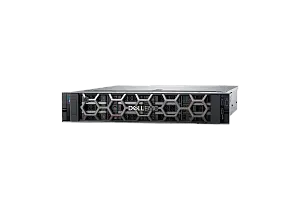
This is a highly scalable and versatile server that offers excellent performance for running virtual machines. It supports up to two Intel Xeon Scalable processors, up to 3TB of memory, and up to 16 drives, providing ample room for expansion. |
|
|
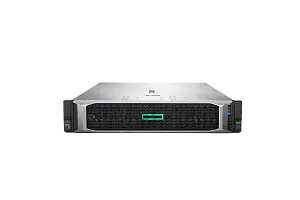
This server is designed for high-performance computing and is an excellent choice for running VMware. It supports up to two Intel Xeon Scalable processors, up to 3TB of memory, and up to 24 drives, providing plenty of room for storage. |
|
|
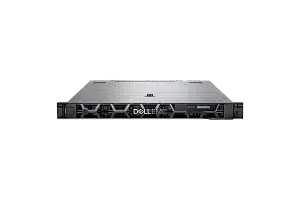
This is another highly scalable and versatile server that provides excellent performance for running VMware. It supports up to two Intel Xeon Scalable processors, up to 3TB of memory, and up to 10 drives, making it an excellent choice for small to medium-sized virtual environments. |
|
|
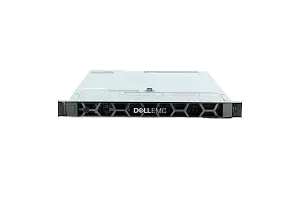
This server is highly scalable and designed for enterprise workloads, making it an excellent choice for running VMware. It supports up to two Intel Xeon Scalable processors, up to 3TB of memory, and up to 30 drives, providing ample room for expansion. |
|
|
This server is designed for data-intensive workloads and is an excellent choice for running VMware. It supports up to two Intel Xeon Scalable processors, up to 6TB of memory, and up to 24 drives, making it an excellent choice for virtual environments that require large amounts of storage. |
Overall, these Dell and HP servers are all excellent choices for running VMware, and each provides ample room for expansion and scalability to meet the needs of any virtual environment.