
for Virtualization


the Maghreb.

full warranty
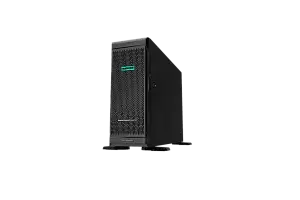
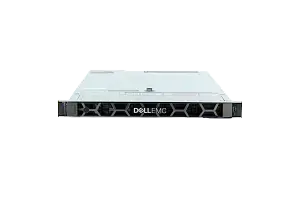
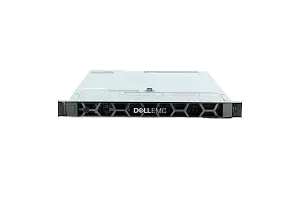
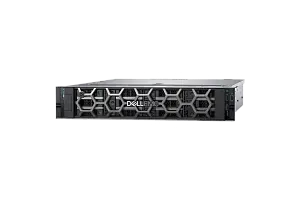
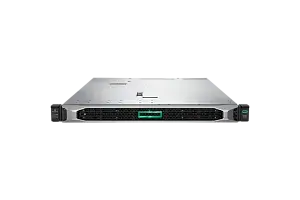
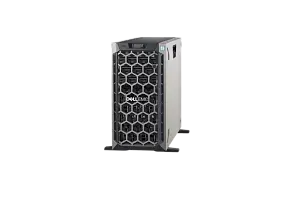
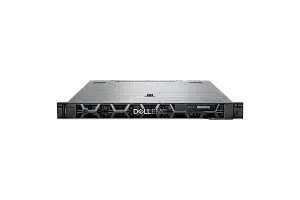
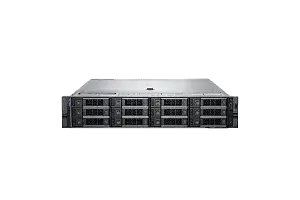
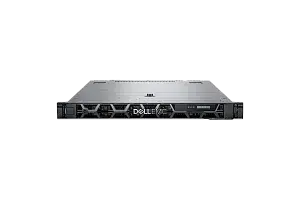
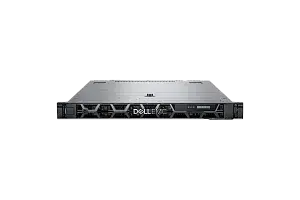
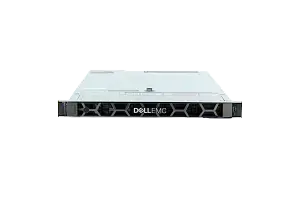
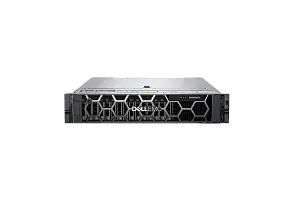
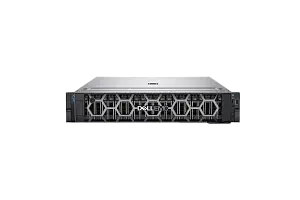
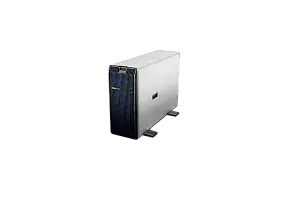
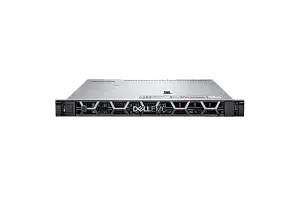
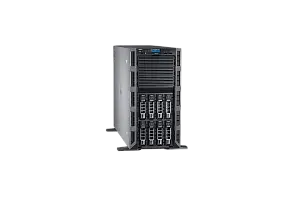
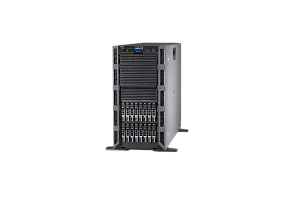
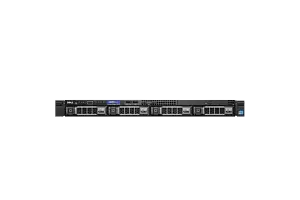
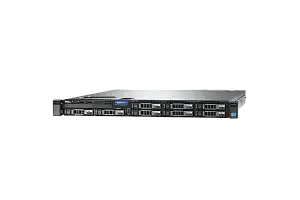
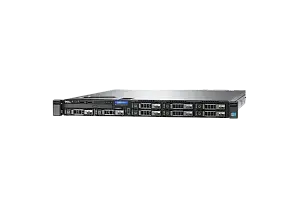
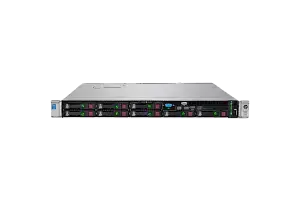
Any server or storage you can configure according to your demands in our configurator or by consulting with an expert. Our expertise helps us set new quality standards
to buy a servers at IDC
Ask to consultant
Repair and/or replacement of components.
More about warranty
part
warranty
part
warranty
Testing
We’re committed to full reliability: every unit, new or refurbished, receives thorough diagnostics, testing, and parts replacement
maximum load
Systems are stress-tested with varied software stacks to prove stability—so you can rely on them for years to come
Power supply
We push components to the limit for several days, and if something’s uncertain, we change it
of all equipment
New or used, every device is tested to the same standard. In addition, we include our own warranty with the manufacturer’s
Server Virtualization Advantages
Server virtualization offers several advantages, here are some of them:
- Cost savings: Server virtualization reduces the number of physical servers required, which can lead to significant cost savings in terms of hardware, power consumption, and cooling costs.
- Improved resource utilization: By virtualizing servers, resources can be shared and utilized more efficiently. This can lead to better performance and higher utilization rates.
- Increased flexibility and agility: Virtualization allows for quick and easy deployment of new servers and applications, which can improve business agility and enable organizations to respond faster to changing business needs.
- Enhanced disaster recovery and business continuity: Virtualization enables backup and disaster recovery procedures to be performed more easily and efficiently, minimizing downtime and reducing the risk of data loss.
- Simplified management: Virtualization simplifies server management, enabling administrators to manage multiple servers and virtual machines from a single console.
- Improved security: By isolating applications and operating systems in virtual machines, virtualization can improve security by reducing the risk of malware and other security threats.
Server virtualization can provide significant benefits in terms of cost savings, resource utilization, flexibility, disaster recovery, management, and security, making it an attractive option for many organizations.
Choosing Server for Virtualization
When choosing a virtualization server, there are several factors to consider:
- Processor: Choose a server with a processor that supports virtualization technology, such as Intel VT-x or AMD-V. A processor with multiple cores and high clock speed will provide better performance.
- Memory: Choose a server with a significant amount of memory, preferably 16GB or more, to ensure that virtual machines can run smoothly.
- Storage: Consider using solid-state drives (SSDs) with a RAID or SDS system with multiple drives for better performance and redundancy. You can add hard drives to save money.
- Networking: For demanding infrastructures, it is recommended to use 10G or more network interface cards (NICs), preferably several for fault tolerance.
- Compatibility: Ensure that the server hardware is compatible with the virtualization software you plan to use, such as VMware or Hyper-V.
- Scalability: Consider whether the server can be easily expanded or upgraded as your needs grow.
- Management: Look for a server that provides easy management options, such as remote management tools or integrated management software.
- Budget: Consider your budget when selecting a server. Virtualization can run on a wide range of hardware, so you can choose a server that fits your needs and budget.
Best Virtualization Servers
Here are some recommended Dell and HP servers for virtualization:
|
This is a highly scalable and versatile server that offers excellent performance for running virtual machines. It supports up to two Intel Xeon Scalable processors, up to 3TB of memory, and up to 16 drives, providing ample room for expansion. |
|
|
This server is designed for high-performance computing and is an excellent choice for virtualization. It supports up to two Intel Xeon Scalable processors, up to 3TB of memory, and up to 24 drives, providing plenty of room for storage. |
|
|
This is another highly scalable and versatile server that provides excellent performance for running virtual machines. It supports up to two Intel Xeon Scalable processors, up to 3TB of memory, and up to 10 drives, making it an excellent choice for small to medium-sized virtual environments. |
|
|
This server is highly scalable and designed for enterprise workloads, making it an excellent choice for virtualization. It supports up to two Intel Xeon Scalable processors, up to 3TB of memory, and up to 30 drives, providing ample room for expansion. |
|
|
This server is designed for data-intensive workloads and is an excellent choice for virtualization. It supports up to two Intel Xeon Scalable processors, up to 6TB of memory, and up to 24 drives, making it an excellent choice for virtual environments that require large amounts of storage. |
Overall, these Dell and HP servers are all excellent choices for virtualization, and each provides ample room for expansion and scalability to meet the needs of any virtual environment.