
File Servers


the Maghreb.

full warranty
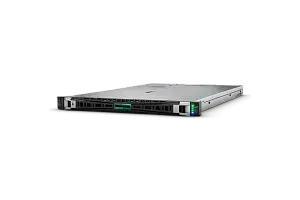
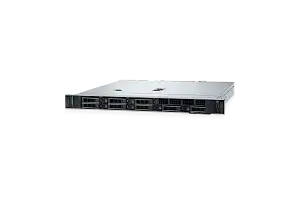
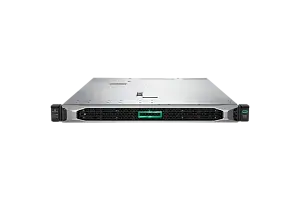
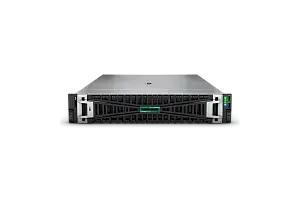
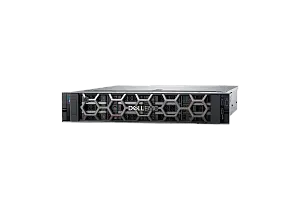
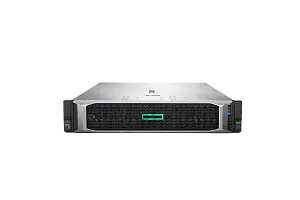
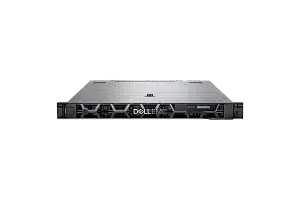
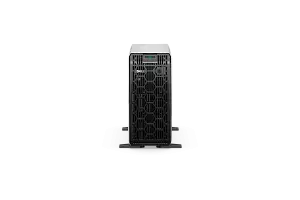
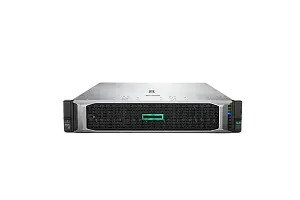
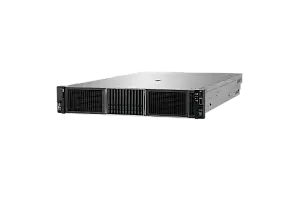
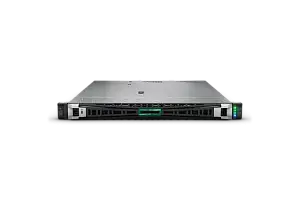
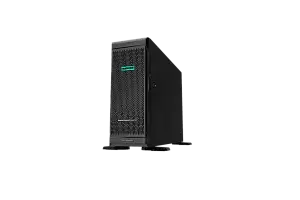
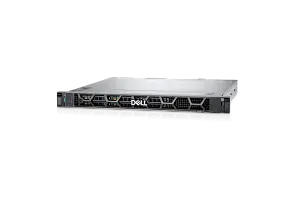
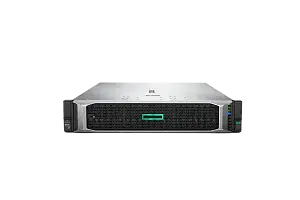
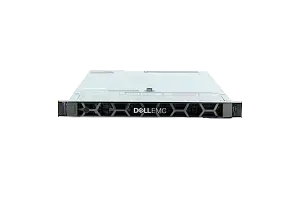
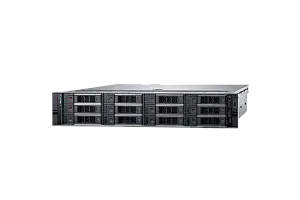
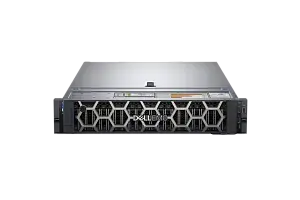
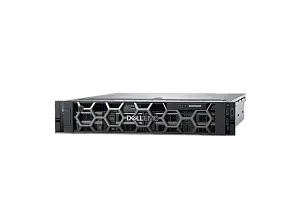
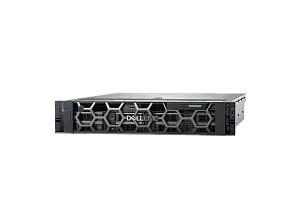
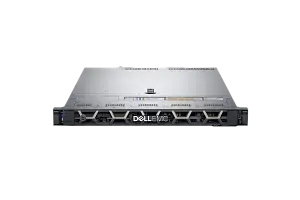
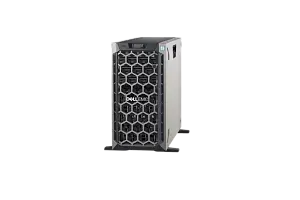
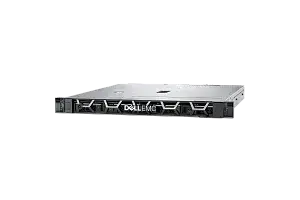
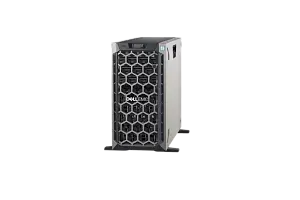
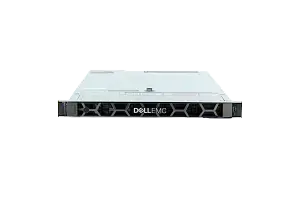
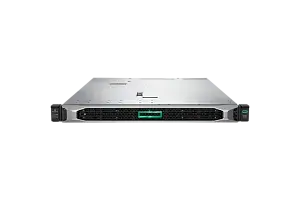
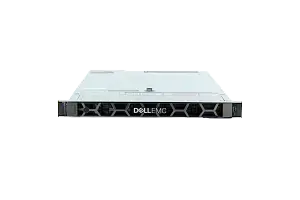
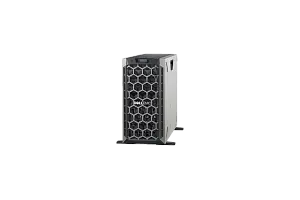
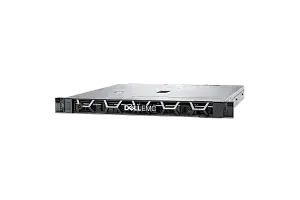
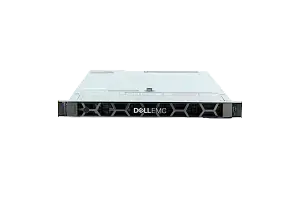
Any server or storage you can configure according to your demands in our configurator or by consulting with an expert. Our expertise helps us set new quality standards
to buy a servers at IDC
Ask to consultant
Repair and/or replacement of components.
More about warranty
part
warranty
part
warranty
Testing
We’re committed to full reliability: every unit, new or refurbished, receives thorough diagnostics, testing, and parts replacement
maximum load
Systems are stress-tested with varied software stacks to prove stability—so you can rely on them for years to come
Power supply
We push components to the limit for several days, and if something’s uncertain, we change it
of all equipment
New or used, every device is tested to the same standard. In addition, we include our own warranty with the manufacturer’s
A file server is a type of server that is dedicated to storing, managing, and sharing files across a network. A file server provides a centralized storage location for files and allows users to access and share those files from any location on the network.
File servers are typically used in organizations where multiple users need to access and share files, such as in offices, schools, and businesses. The files stored on a file server can include documents,spreadsheets, images, videos, and other types of files.
A file server typically includes a large amount of storage capacity, which can be configured with redundant storage devices such as RAID(redundant array of independent disks) to ensure data protection and availability. File servers may also include features such as access controls and permissions to ensure that users only have access to the files they are authorized to access.
Overall, a file server provides a centralized storage location for files and simplifies file management and sharing across a network.
How to Choose
When choosing a file server, there are several factors to consider, including:
-
Storage capacity: Determine the amount of storage required to store your organization's files, and choose a server with enough storage capacity to accommodate your needs. Consider the type of storage, such as hard disk drives (HDDs) or solid-state drives (SSDs), and the RAID configuration to ensure data protection and availability.
-
Performance:Consider the performance requirements for your organization's file sharing needs, including the number of users accessing the server simultaneously, the size of files being transferred, and the network bandwidth available. Choose a server with sufficient processing power and network connectivity to support your performance requirements.
-
Scalability:Consider the potential growth of your organization and the increasing storage needs over time. Choose a file server that can be easily upgraded with additional storage, memory, and processing power as your needs evolve.
-
File sharing and access: Consider the file sharing and access needs of your organization, including access controls, permissions, and collaboration features. Choose a file server that supports the necessary access controls and permission settings to ensure that users only have access to the files they need.
-
Backup and recovery: Choose a file server that includes backup and recovery features,such as snapshotting and replication, to ensure that your data is protected and can be easily recovered in the event of a disaster.
-
Management and monitoring: Consider the management and monitoring tools available for the file server, including remote management capabilities, monitoring and alerting features, and integration with existing management tools.
-
Budget:Determine your budget for the file server and choose one that provides the required storage capacity, performance, scalability, file sharing and access features, backup and recovery capabilities, and management and monitoring toolswithin your budget.
Choosing a file server involves understanding your organization's needs,including storage, performance, scalability, file sharing and access,backup and recovery, management and monitoring, and budget. This will help ensure that you select a server that meets suits your business.