
DELL Network Switches


the Maghreb.

full warranty
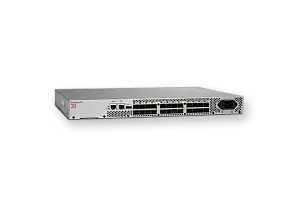
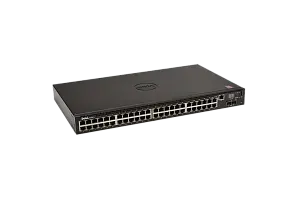
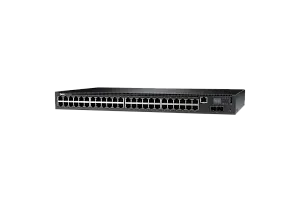
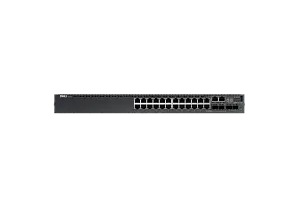
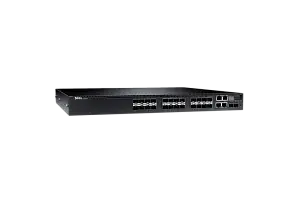
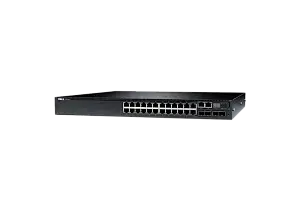
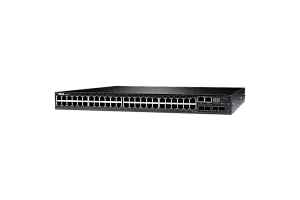
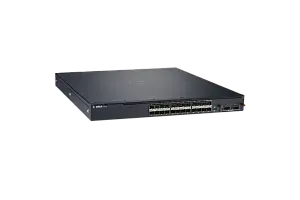
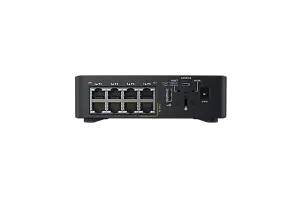
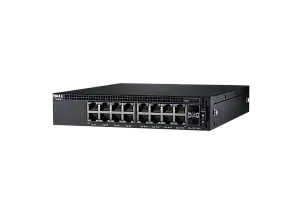
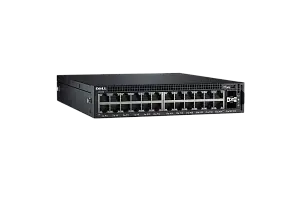
Any server or storage you can configure according to your demands in our configurator or by consulting with an expert. Our expertise helps us set new quality standards
to buy a servers at IDC
Ask to consultant
Repair and/or replacement of components.
More about warranty
part
warranty
part
warranty
Testing
We’re committed to full reliability: every unit, new or refurbished, receives thorough diagnostics, testing, and parts replacement
maximum load
Systems are stress-tested with varied software stacks to prove stability—so you can rely on them for years to come
Power supply
We push components to the limit for several days, and if something’s uncertain, we change it
of all equipment
New or used, every device is tested to the same standard. In addition, we include our own warranty with the manufacturer’s
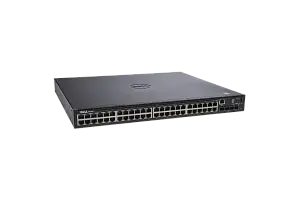
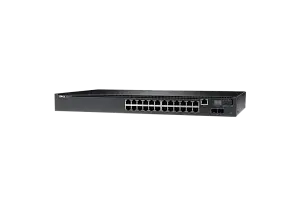
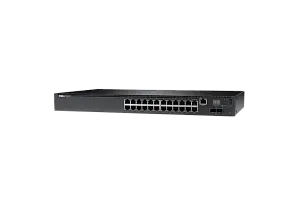
DELL Networking switches
A switch is an active network equipment that connects whole IT infrastructure of the company or its part into a single network. Most switches are layer 2 devices that can be connected to other devices from the network via Ethernet interfaces.
What are layer 2 (L2) and layer 3 (L3) switches?
Network switches operate at two levels: channel level (layer 2) and network level (layer 3). L2 switches transfer data using MAC destination address, while L3 switches transfer data using IP destination address. There are also advanced multi-layer switches that operate both at L2 and L3.
Advantages of DELL Networking switches
Main advantages of DELL Networking switches:
- Enterprise network management with easy consumer level,
- Huge portfolio of switches of different generations, including compact eight-port switch that can be installed on a wall, table or ceiling,
- Flexibility in terms of port number, PoE options, port rates and any deployment options,
- Easy operation and configuration with intuitive GUI and ergonomic housing,
Any DELL EMC server equipment, including Networking line, greatly improves performance indicators of your company. This is more than a tool — this is a business opportunity. You can select a DELL switch for any task, budget and infastructure. And even more: it helps you develop competitive business as per today's standards.
Families, series and lines of DELL Networking switches
DELL Networking are professional switches of various series.
There are two main DELL switch series:
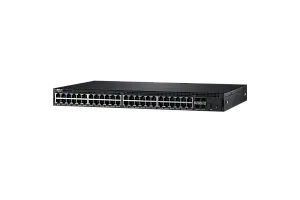
- X-Series are basic web-controlled switches for L2 or L2+ enterprise networks based on Marvell chipsets with interface bandwidth of 1/10 Gbps.
- N-Series are energy efficient aggregation switches for most tasks and multi-level enterprise networks. They operate on a proprietary DNOS 6 system (Linux core). There are models with PoE+ for supplying remote devices. The bandwidth is from 1/10 to 40 Gbps when stacked.
Besides, there are also less popular switch series: C, E, M, S, W and Z.
Additional information on DELL N-Series switch selection
DELL Networking N-Series consists of four lines:
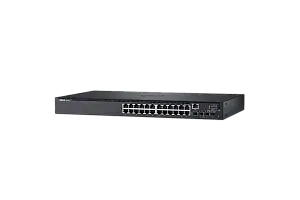
DELL Networking N1500 (N1524, N1524P, N1548, N1548P). These are 1 Gbps Layer 2 switches with Layer 3 routing. They don't have dedicated stacking ports, but you can use 10 Gbps Ethernet Uplink ports. You can combine up to four N1500 switches.
DELL N2000 (N2024, N2024P, N2048, N2048P) — replacement for legacy PowerConnect 5500 and Force10 S25/S50. These are 1 Gbps Layer 2 switches with Layer 3 routing. In total, you get 24 or 48 1 Gbps ports, with or without PoE+. You can also connect them to other N2000 switches (N3000 has the same interfaces, but you can't stack them). All models have 2 ports (10 Gbps SFP+ Uplink) and 2 dedicated 20 Gbps ports for switch stacking. The models are controlled via VLAN interfaces or a dedicated IP address.
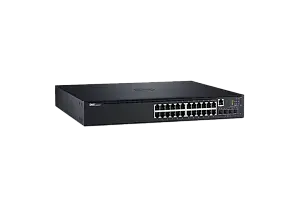
DELL N3000 (models N3024, N3024F, N3024P, N3048, N3048P) — replacement of legacy PowerConnect 6200/7000 and Force10 S50/S55. These are 1 Gbps multi-level (Layer 3) switches. They are almost identical to N2000 series in terms of hardware (except for combination ports, you can select between RJ45 and SFP), but the OS improves IP functionality of the switch (routing protocols RIP, OSPF, PBR and other).
You can choose between 4 models with 24 or 48 ports, with PoE+ or without it, or N3024F with 24 SFP 1 Gbps ports (N3024F has only 2 combination ports RJ45 1GbaseT — No. 23 and No. 24). Each model has 2 ports (10 Gbps SFP+ Uplink) and 2 dedicated 20 Gbps ports for switch stacking. Also, you can add a module for 2xSFP+ or 2x10GBaseT RJ45.
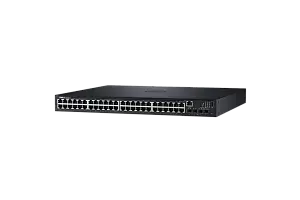
DELL N4000 (N4032, N4032F, N4064, N4064F) — replacement of legacy PowerConnect 8100 and any PCT8100 with 6.0.0.0+ firmware.
These are also 10 Gbps multi-level (Layer 3) switches. Four main models are available: N4032F and N4064F with standard 24 or 48 10 Gbps ports SFP+, 0 or 2 built-in QSFP+ ports and 1 section for extension modules. N4032 and N4064 with 24 or 48 ports 10GbaseT RJ45, 0 or 2 built-in QSFP+ ports and 1 section for extension modules. Each QSFP+ port can be divided into 4 × SFP+ ports using a splitter. Also, using the extension module slot, you can install two-port QSFP+ or 4 × 10GBaseT, or 4 × SFP+ modules.
N4000 switches can be stacked using 10 Gbps or 40 Gbps ports. Stack management is performed in-band or via out-band 1 Gbps Ethernet port.